
Receive stock
Supplier receipts can capture quantity, receiving unit, purchase cost, batch or lot information and expiry.
Sell, control stock, manage customers and suppliers, track credit and expenses, protect sensitive actions, recover data, and understand performance from one dependable desktop workspace.
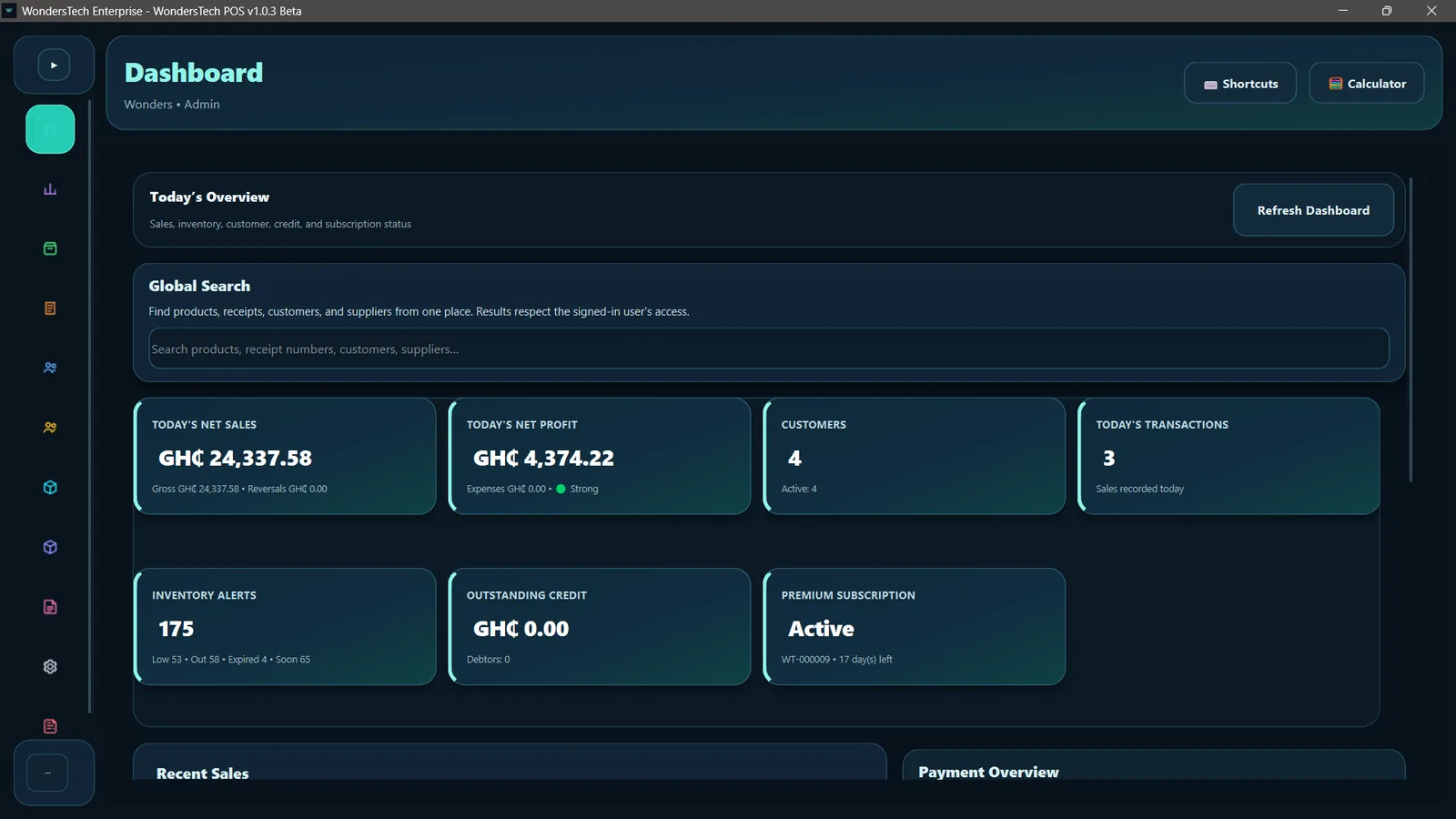
No concept art and no generic dashboard mockups. The screens below come from the current WondersTech POS desktop application.
See sales, profit, customers, inventory alerts, credit exposure and subscription health without jumping between pages.
WondersTech POS is designed so one operational action can flow into the next record, report and control point.
Supplier receipts can capture quantity, receiving unit, purchase cost, batch or lot information and expiry.
Sales use current products, pricing, units and stock while keeping the checkout workspace focused on speed.
Sales, reversals, expenses, customer credit and stock activity feed reports, analytics and audit history.
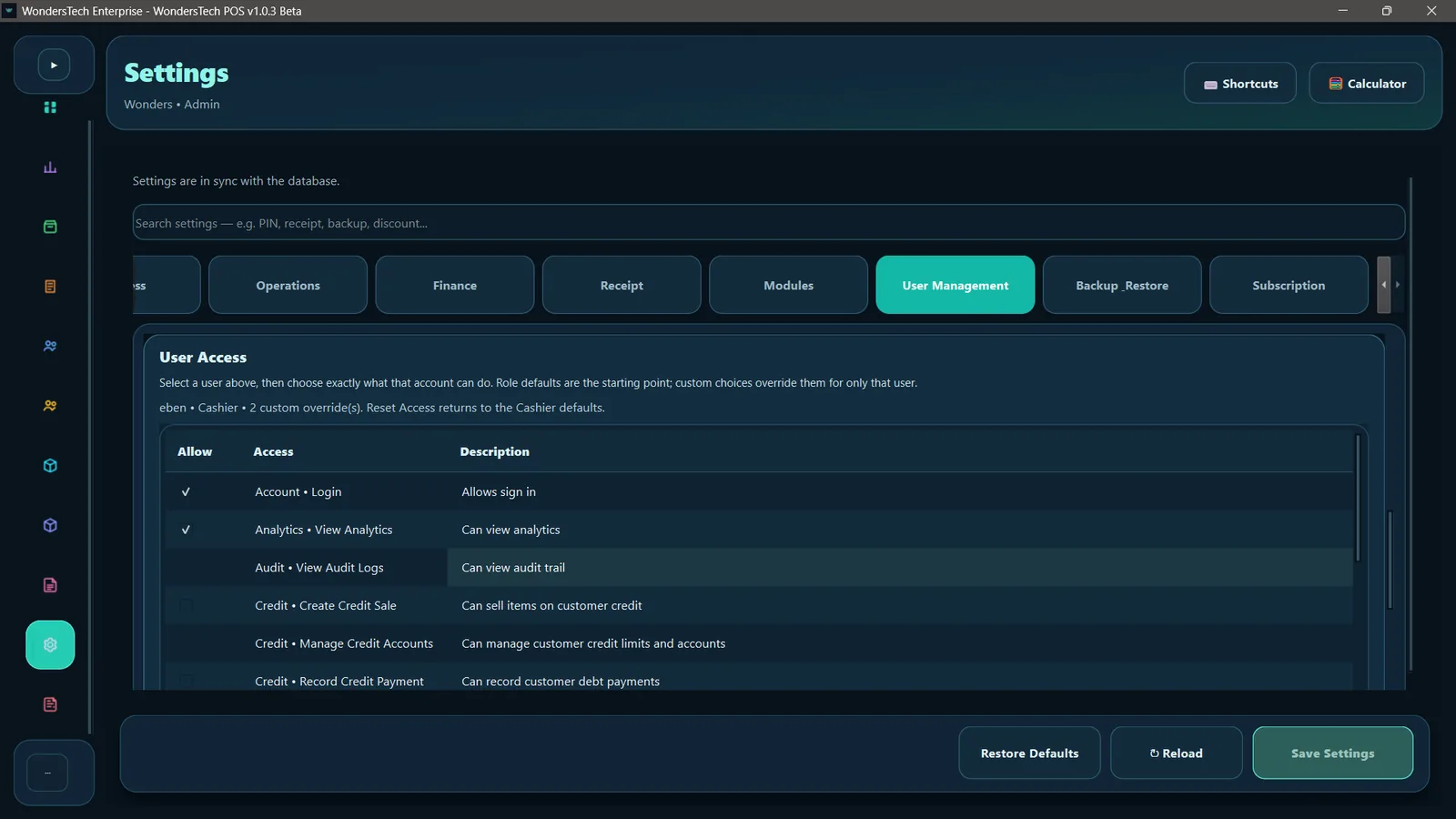
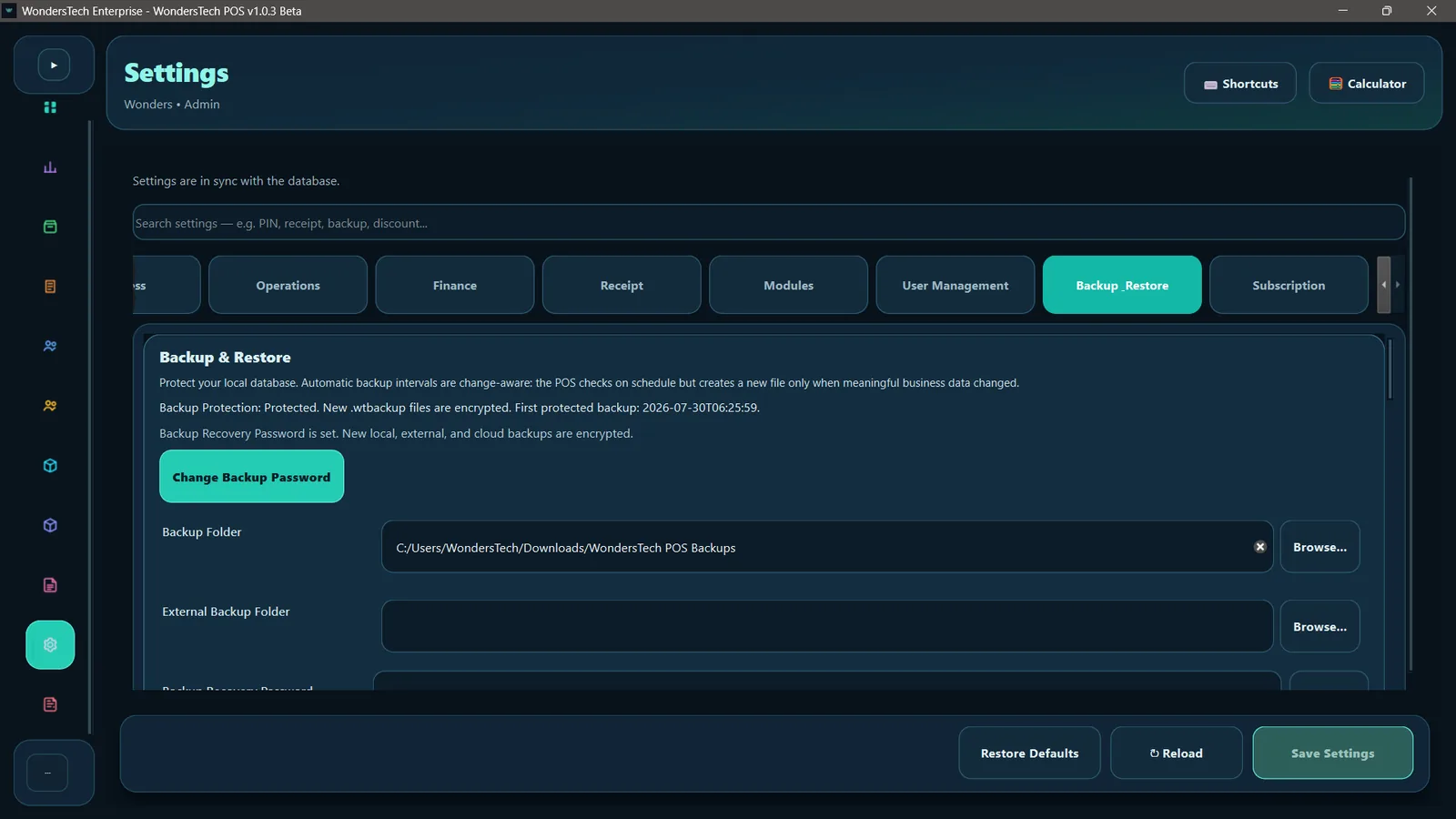
Permissions, approvals, encrypted backups, recovery controls and signed updates protect the operation around the data.
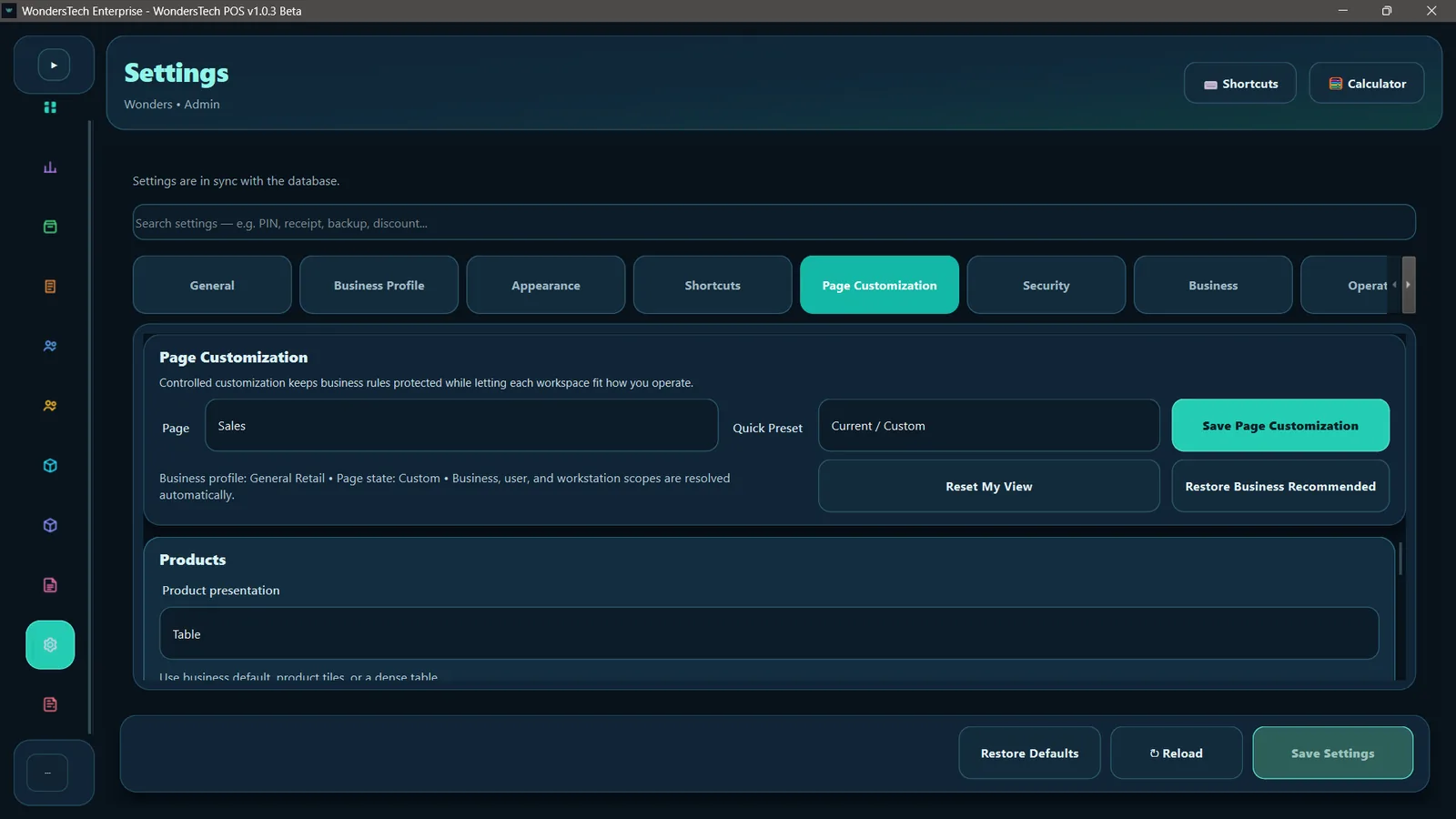
Admins can shape how workspaces look and behave while keeping business rules, user access, approvals, backups and sensitive operations under control.
WondersTech POS keeps the working business database local for dependable day-to-day operation, while optional cloud services add encrypted backup delivery, restore access, device status and trusted update checks.
Start with the current Windows desktop release, or talk to WondersTech about setup, training and deployment.